
In today’s digital world, managing documents quickly and efficiently is essential for both students and professionals. Whether you need to scan handwritten notes, convert documents to PDF, sign an agreement, or add a watermark to an important file, a reliable document scanner app can make everyday tasks much easier.
With an all-in-one PDF scanner app, you can turn your smartphone into a powerful portable document management tool. Instead of relying on a traditional scanner or carrying stacks of paperwork, you can scan, edit, sign, watermark, organize, and share documents directly from your mobile device.
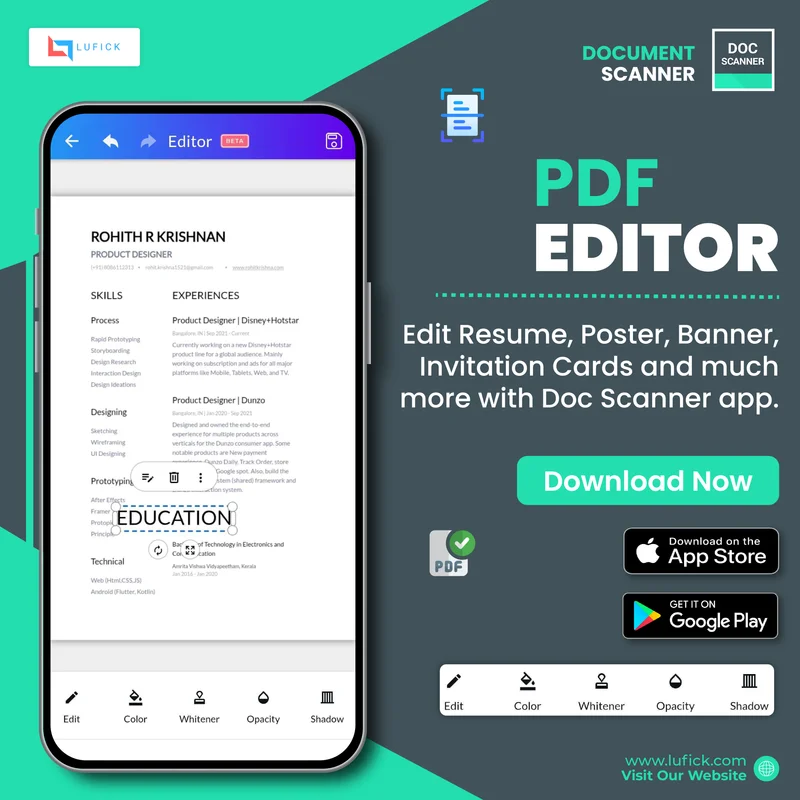
Our document scanner app is designed to make document management simple, convenient, and accessible—whether you’re studying, working, or managing important personal documents.
What Is a Document Scanner App?
A document scanner app allows you to use your smartphone’s camera to digitally scan physical documents. You can capture documents such as notes, receipts, invoices, certificates, forms, contracts, and other paperwork and convert them into digital files.
A good PDF scanner app can help you create high-quality digital documents that are easier to store, access, share, and manage. Instead of keeping physical copies everywhere, you can keep your important documents organized digitally.
From students managing their study materials to professionals handling business paperwork, a document scanning app can help reduce paperwork and improve productivity.
How Students Can Benefit from a Document Scanner App
Students often have to manage a large number of documents, including handwritten notes, assignments, project reports, certificates, and application forms. A document scanner app for students can make it easier to digitize and organize these materials.
1. Scan Notes and Study Materials
Turn handwritten notes, classroom materials, and important study documents into digital files. You can scan multiple pages and keep your study materials organized in one place.
2. Convert Documents to PDF
Convert scanned pages into PDF files that are easy to save, share, and submit. This can be especially useful when submitting assignments, project reports, or applications online.
3. Sign Documents Digitally
The Signature Tool makes it easy to add a digital signature to documents without printing them first. Students can use it to sign applications, forms, project documents, and other paperwork directly from their phones.
4. Add Watermarks to Projects and Assignments
Use the Watermark Tool to add custom text or branding to your documents. Students can use watermarks to identify their projects, assignments, or personal work.
5. Keep Documents Organized
Digitize important documents and keep them organized so you can find them whenever you need them. This helps reduce paper clutter and makes important files easier to access.
How Professionals Can Benefit from a Document Scanner App
Professionals handle documents every day, from invoices and receipts to contracts, reports, and business forms. A document scanner app for professionals can help simplify these everyday tasks and improve productivity.
1. Scan Business Documents Anywhere
You don’t always need access to a traditional scanner. Use your smartphone to scan invoices, receipts, contracts, reports, and other important documents wherever you are.
2. Sign Documents with the Signature Tool
The digital Signature Tool helps professionals sign documents quickly without going through the traditional process of printing, signing, scanning, and sending them back.
Whether you need to sign a business agreement, approve a document, or complete an official form, you can add your signature digitally and save time.
3. Protect Your Documents with Watermarks
The Watermark Tool helps add identity and professionalism to your documents. You can add custom text, branding, or other watermark elements to help identify your documents.
Professionals can use watermarks for business reports, company documents, presentations, or files that contain sensitive information.
4. Digitize Paperwork and Reduce Clutter
Convert physical paperwork into digital documents and reduce the amount of paper you need to store. Digital documents are easier to organize, access, and share when required.
5. Share Documents Quickly
Once your document is scanned and prepared, you can easily share it with colleagues, clients, customers, or business partners. This makes collaboration faster and more convenient.
Sign Documents Easily with the Signature Tool
One of the most useful features of a modern PDF scanner and document management app is the ability to add a digital signature.
Traditionally, signing a document could involve several steps: printing the document, signing it manually, scanning it again, and finally sending it to the recipient. With the Signature Tool, you can simplify this process by adding your signature directly to your digital document.
Whether you are a student signing an application or a professional handling business paperwork, a digital signature can help make document workflows faster and more convenient.
Add Professionalism and Protection with the Watermark Tool
The Watermark Tool gives you an easy way to add a custom watermark to your documents.
A watermark can be useful for identifying ownership, adding branding, or indicating the status of a document. For example, professionals can add company branding or labels such as “Confidential” to business documents, while students can use watermarks to identify their projects and assignments.
By combining document scanning with watermarking, you can create digital documents that are not only convenient to manage but also more personalized and professional.
More Than Just a PDF Scanner App
A modern document scanner app can do much more than simply scan a piece of paper. It can become a complete solution for managing your digital documents.
With the right tools, you can:
- Scan physical documents using your smartphone
- Convert scanned pages into PDF files
- Organize your digital documents
- Add digital signatures
- Add custom watermarks
- Edit and manage PDF documents
- Share documents digitally
- Reduce paper clutter
- Access important documents whenever you need them
Having these tools in one app can help simplify your everyday document workflow.
Why Choose a Document Scanner App?
A document scanner app is useful for anyone who regularly works with paperwork. It saves time, reduces dependence on physical documents, and makes it easier to keep important files organized.
For students, it can help manage notes, assignments, projects, and applications.
For professionals, it can simplify business paperwork, document signing, reports, invoices, and contracts.
For everyday users, it can help digitize receipts, certificates, IDs, and other important personal documents.
Scan, Sign, Watermark, and Manage Your Documents
From scanning your first document to adding a digital signature or watermark, a powerful document scanner app can simplify the way you work with paperwork.
Whether you’re a student trying to organize your study materials or a professional managing important business documents, having a reliable PDF scanner app on your smartphone puts essential document management tools right at your fingertips.
Scan. Edit. Sign. Watermark. Organize. Share.
Make document management simpler and more efficient with an all-in-one document scanner and PDF management app.
Available on Play Store and Apple Store.
Play Store – https://play.google.com/store/apps/details?id=com.cv.docscanner